Support Packages
If you need to report an issue or contact support, you can generate a support package from both the client and the server. The support package contains logs and other information useful for troubleshooting.
Client
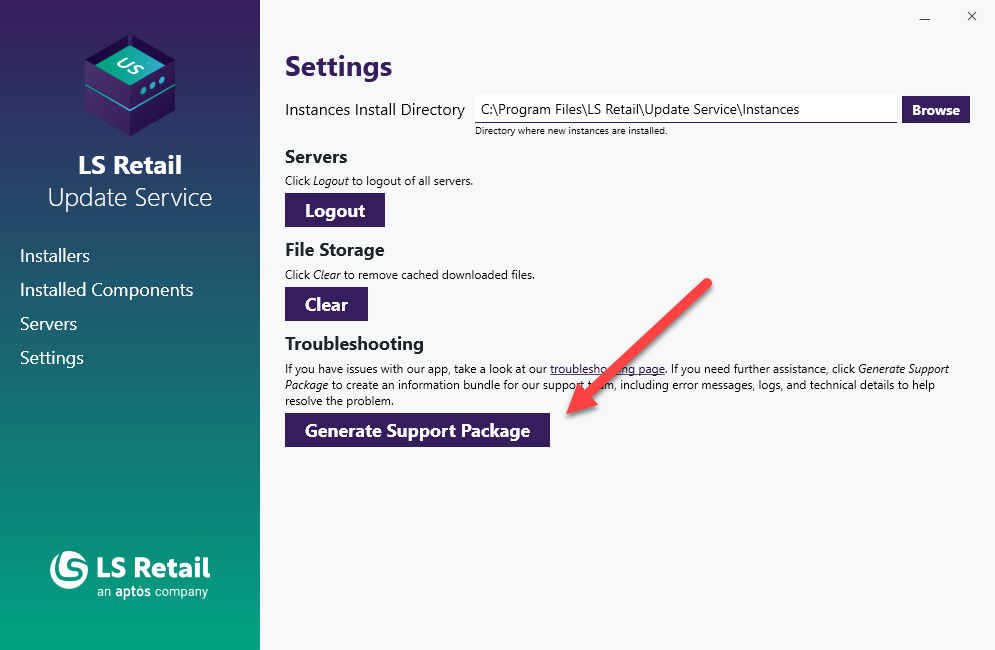
To generate a support package on the client:
- Open the Update Service client app from the Start Menu.
- Navigate to Settings.
- Click Generate Support Package.
- Download the generated package and attach it when contacting support.
If the client app is not accessible due to a bug or crash, you may still be able to generate a support package from the error dialog:

Server
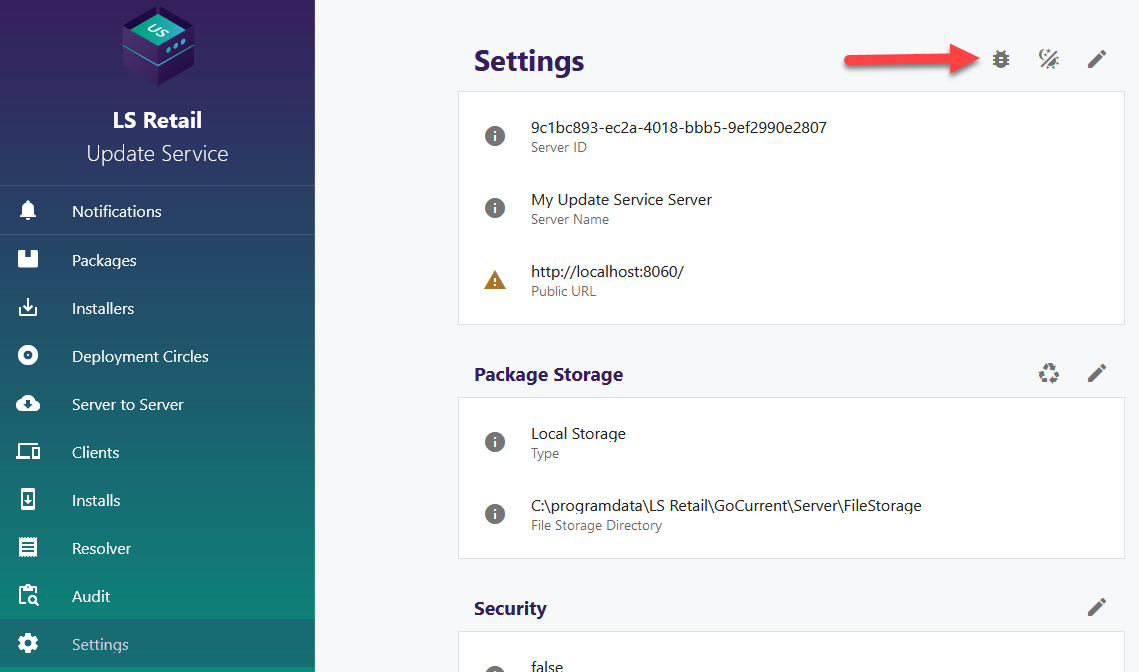
To generate a support package on the server:
- Open the server portal.
- Navigate to Settings.
- Click Download Server Support Package.
- Download the generated package and attach it when contacting support.