Build a client installer
Create an installer to deliver a defined set of packages through one setup wizard.
Before you begin
- Sign in with permission to manage installers. See Access and permissions.
- Import the packages that the installer will contain. See Import packages.
- Decide whether each package uses Automatic updates or remains Manual.
Create and test an installer
Open Installers, and search for an existing installer before creating a new one.
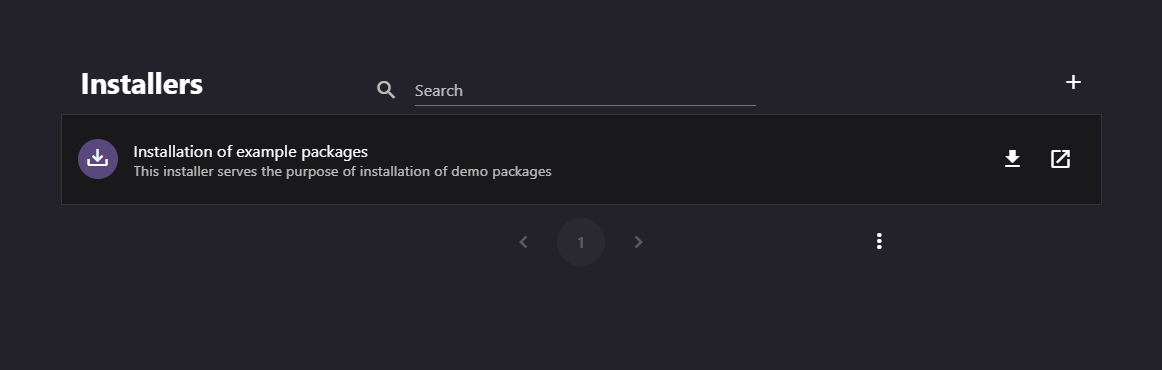
Select New Installer. In the Create an installer dialog, enter a clear name and description. Submit the dialog to open Installer Details.
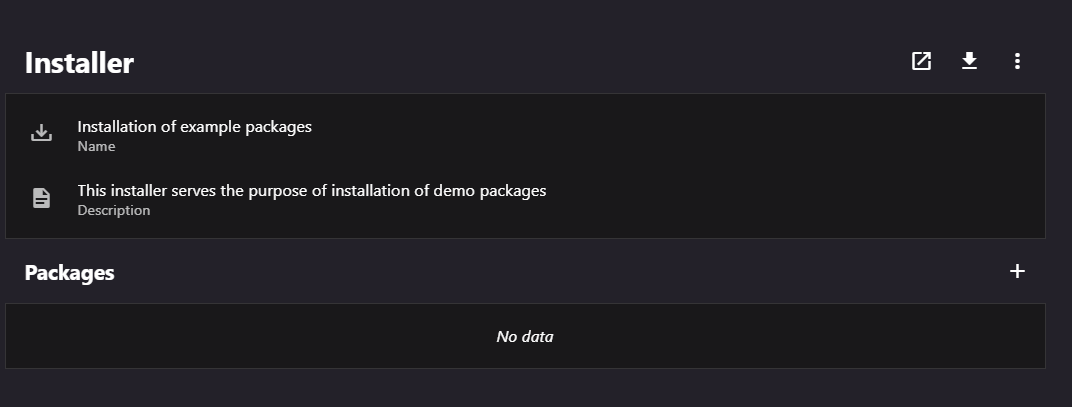
In Packages, select Add package to installer. In the Add or edit a package dialog, select a package and its update strategy.
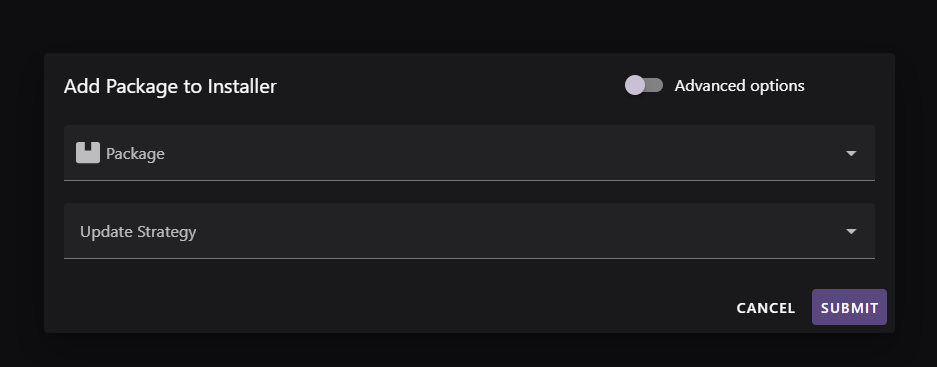
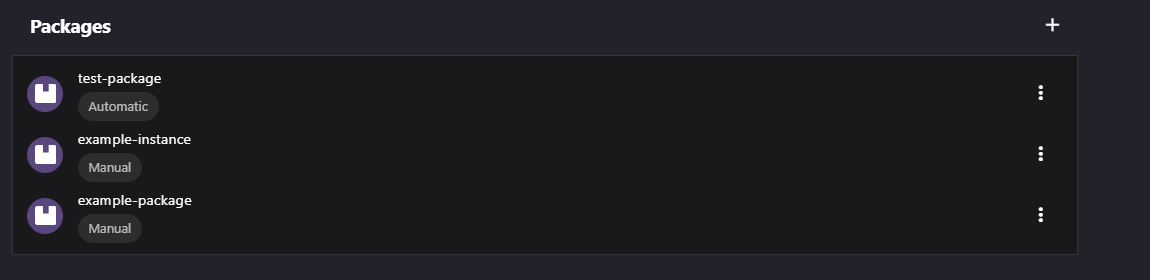
If needed, select Advanced options to set the version query, instance name, or package description. Submit the dialog, then repeat for each package.
Drag package rows to set the installation order. Place prerequisites before packages that depend on them.
Select Open Wizard to test the installer in a browser tab. For information about the wizard, see Update Service Installers.
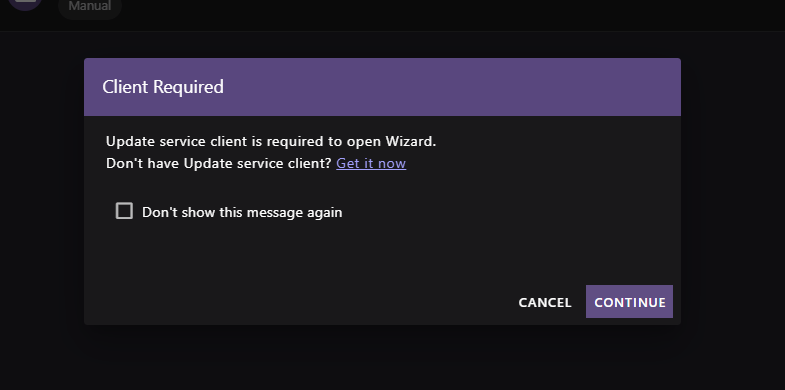
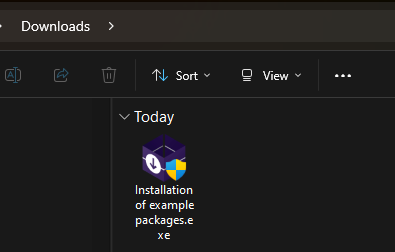
Select Download installer to distribute a setup file, or share the wizard link. You can also use these actions from the Installers list.
Configure package behavior
- Automatic selects the newest version that matches its version query. Manual retains the configured selection until you change it.
- An empty Version Query selects the latest version. Use a query to limit the allowed version range or include prereleases. Check the result in the Resolver before distribution.
- Instance Name Suggestion supports packages that can have multiple named instances. It can't contain spaces or
+. - Changes to an installer apply to new wizard runs. Download a new setup file after changing the installer configuration.