Import and publish packages
Import Update Service package .zip files into the server catalog, then review the versions available for deployment.
Tip
This procedure uses the management interface. To import from a script, use Import-UssPackage. See Import a Package to Server.
Before you begin
- Sign in with permission to manage packages. See Access and permissions.
- Have one or more valid Update Service package
.zipfiles. To create a package, see Create a Package. - Decide whether to overwrite an existing package version.
Import packages
Open Packages, and search by package name or package ID to check whether the package already exists.
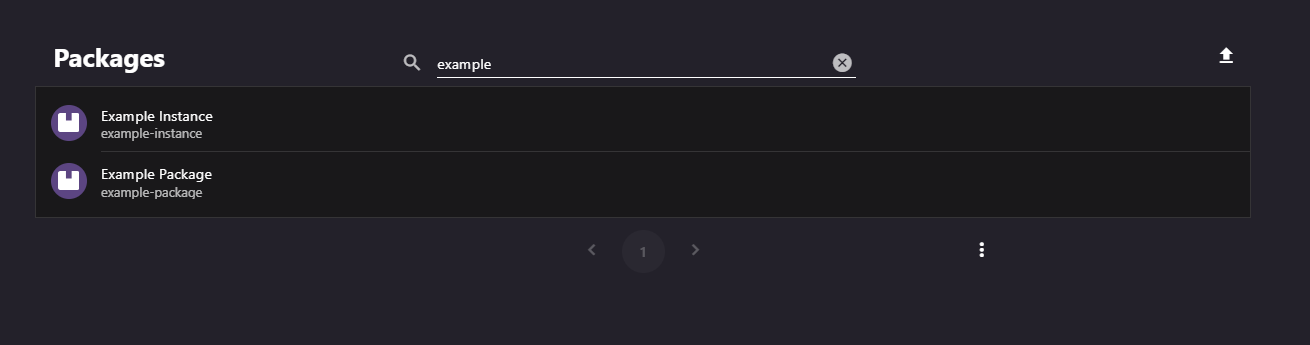
Select Import Package. In Add Multiple Packages, select one or more
.zippackage files.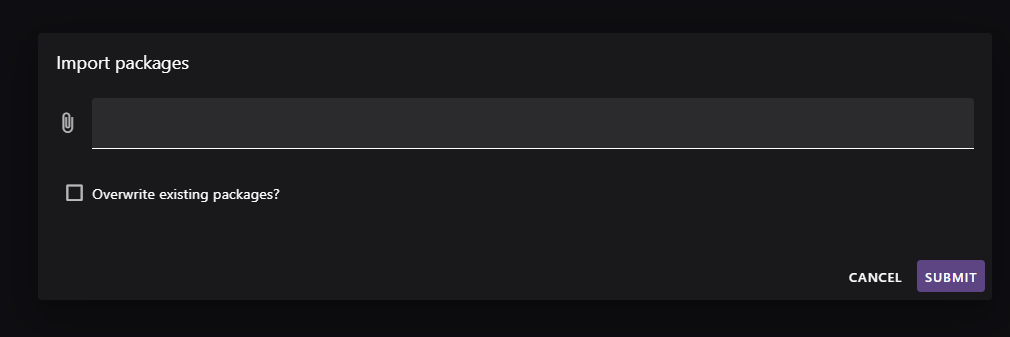
To replace an existing version, select Overwrite existing packages?. Leave it cleared to retain the existing version.
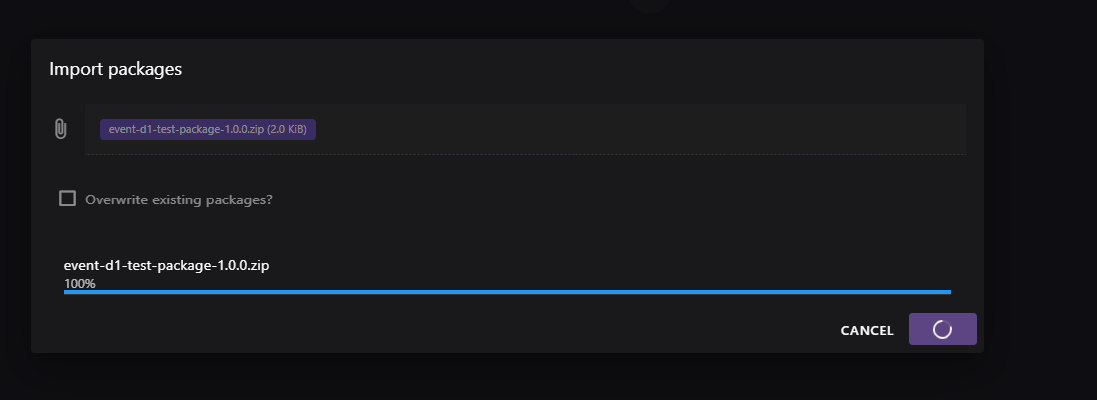
Select Import. Each file reports its own progress and validation result.
Open the package to view Package Versions. Use Filters to find the version.
Select a version to open Package Version. Review its metadata, hash, Files, Dependencies, and Parameters.
If required, use Remove Package Version to delete a version. Confirm that no installer or deployment circle still requires it.
Next steps
Use the Resolver to preview package dependencies before deployment. You can deploy packages through a staged rollout, include them in a client installer, or copy them with Server-to-Server sync.