Sync packages between servers
Connect a local Update Service server to a remote server and download selected packages and their dependencies.
Before you begin
- Sign in to the local server with permission to manage server connections. See Access and permissions and Settings.
- Have the remote server URL, including its port when required, and confirm the local server can reach it.
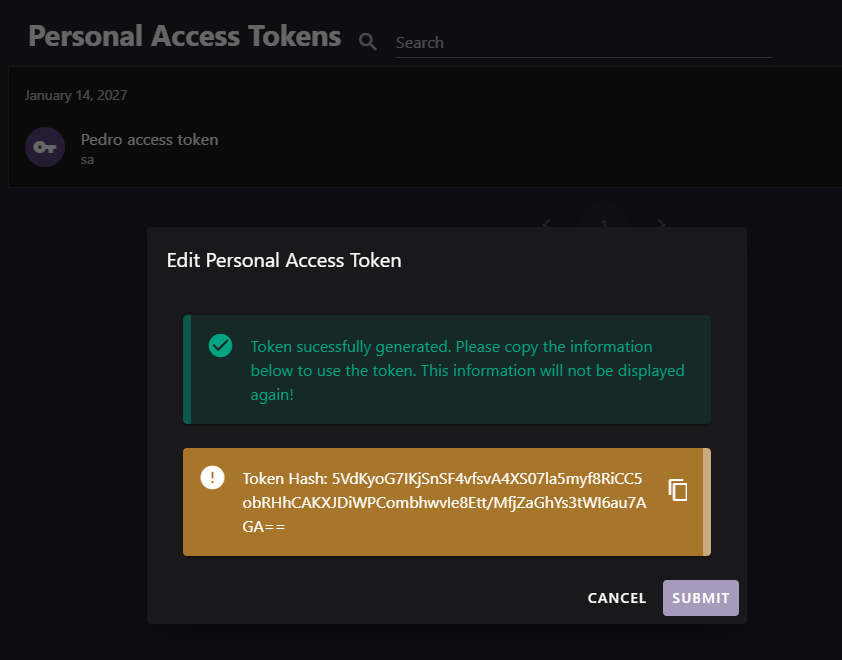
- If the remote server requires authentication, create a username and personal access token (PAT) on that remote server. See Personal access tokens.
- Identify the packages and version queries to download.
Connect and download packages
Open Server to Server, and search for an existing connection to the remote server.

Select Add Server. In Add or edit a server connection, enter the remote server URL. Use
address:portwhen necessary.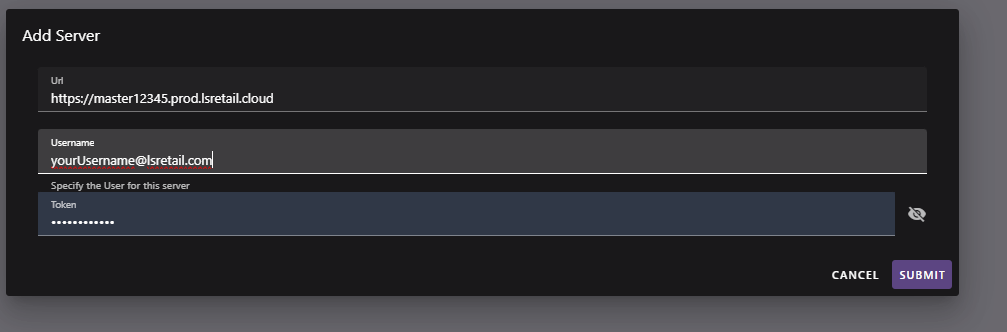
If the remote server requires authentication, enter both Username and Token. The token is a PAT from the remote server. Leave both fields blank only for an unauthenticated remote server. Use the eye icon to check the token before submitting.
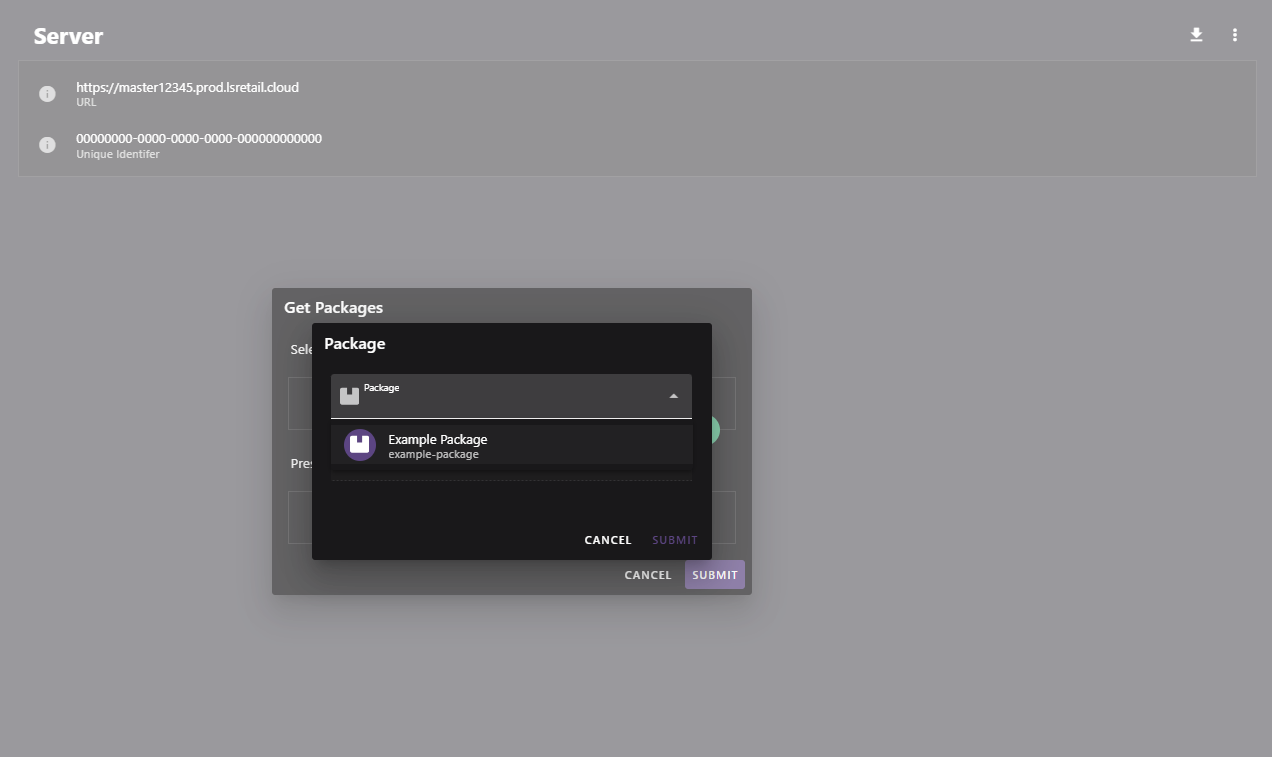
On Server to Server Detail, confirm the name and URL. The Id is populated after the local server successfully contacts the remote server. Use the options menu (⋮) and Edit to correct connection details.

Select Get Packages from server. In Get Packages, add packages and version queries.
Review the resolved packages preview, including dependencies.
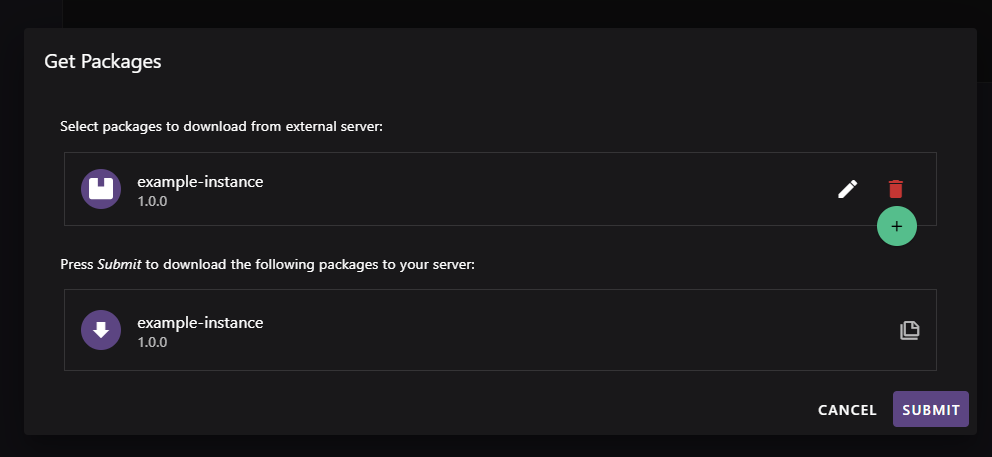
Select Submit to download the resolved packages to the local server.
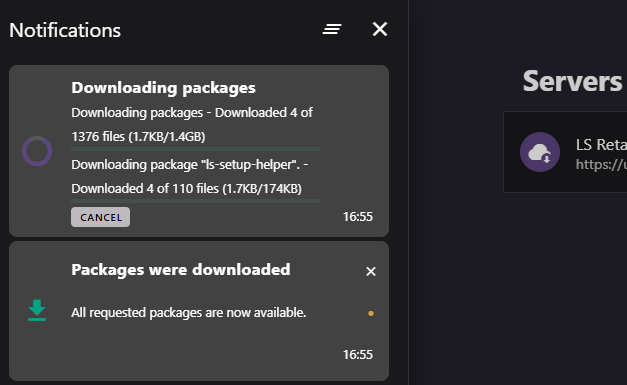
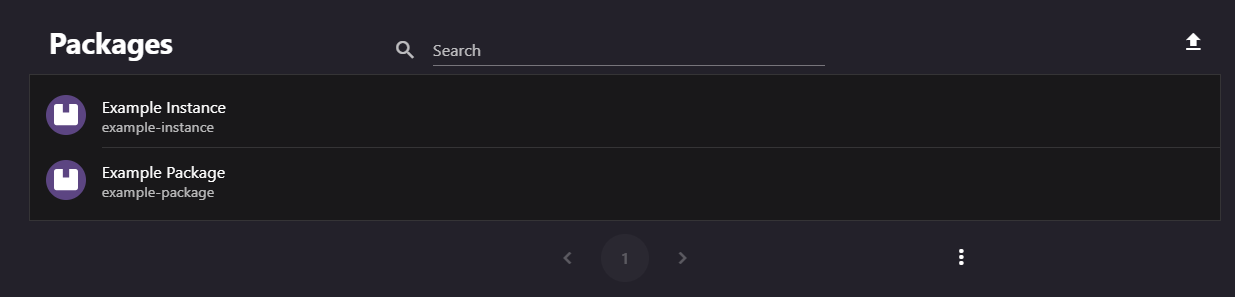
After the download completes, open Packages on the local server to confirm the versions. You can then deploy them through a staged rollout.
Sync behavior
- Treat the remote-server PAT as a password. Revoke and replace it on the remote server if it might be exposed.
- The resolved preview can include packages that you didn't add because they are dependencies.
- A version query can specify a version, range, or variable. Review the preview before downloading.
- Synchronization pulls packages to the local server; it doesn't push packages to the remote server.
- Avoid duplicate connections for the same remote URL.