Stage a rollout with deployment circles
Use deployment circles to release a package version to a pilot group before expanding the release to other clients.
The outermost circle includes clients that aren't assigned to an inner circle. Each circle can target a different package version.
Before you begin
- Sign in with permission to manage deployment circles. See Access and permissions and Settings.
- Import the current and new package versions.
- Identify pilot clients or a client group. Groups make it easier to change the pilot audience.
Create a pilot rollout
Open Deployment Circles, then search for the package. If circles already exist for the package, open Deployment Circle Detail and continue with step 3.
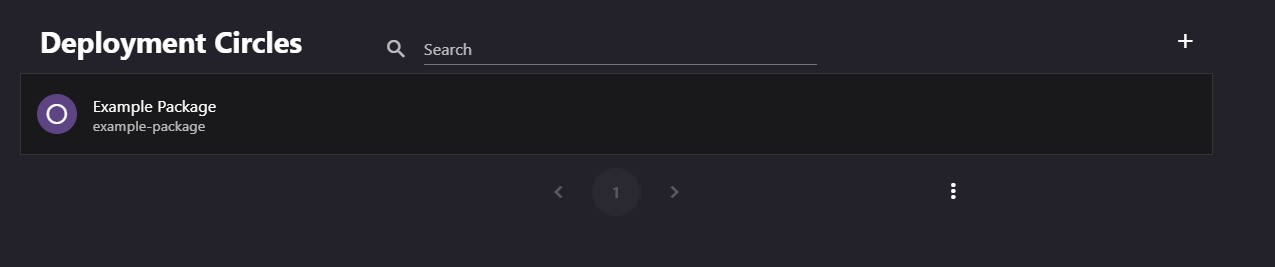
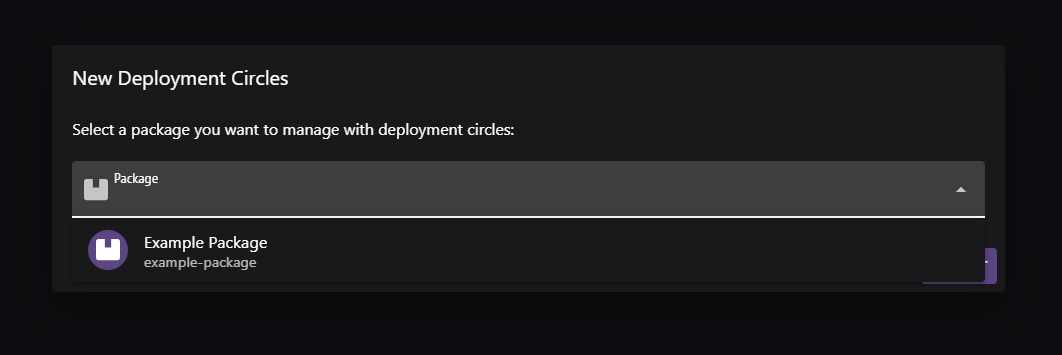
If the package has no circles, select Add. In New Deployment Circle, select the package and submit. This creates the outermost circle.
Select the outermost circle and confirm that it targets the current stable version. If required, use Set a circle version to change it.
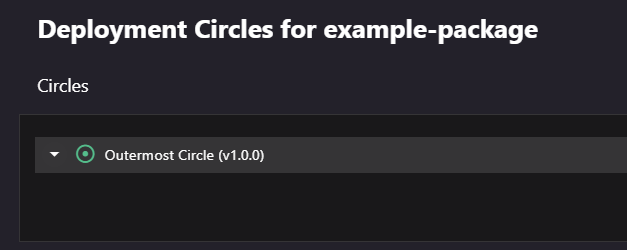
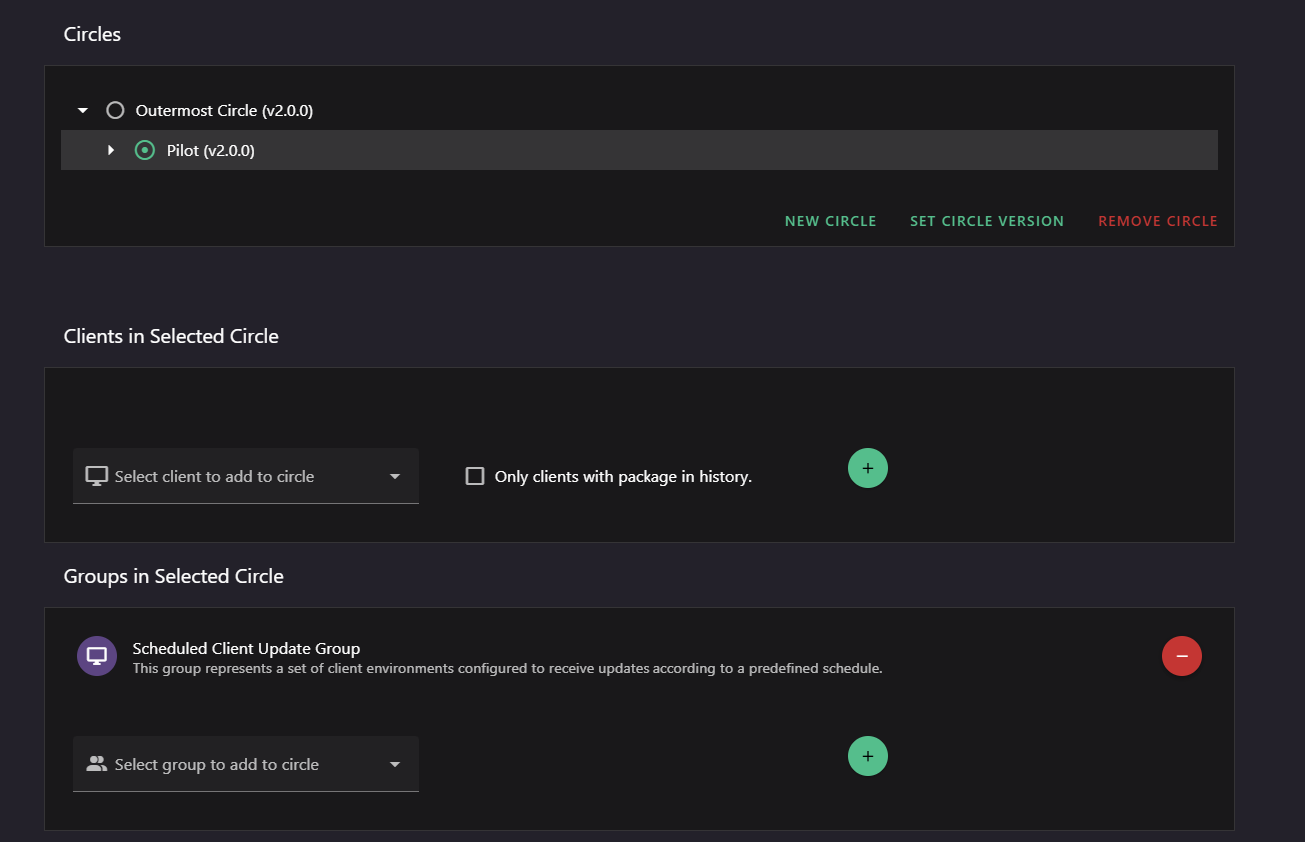
With the outermost circle selected, select New Circle. In Create a circle, enter a name such as
Pilot, add a description, and select the new target version.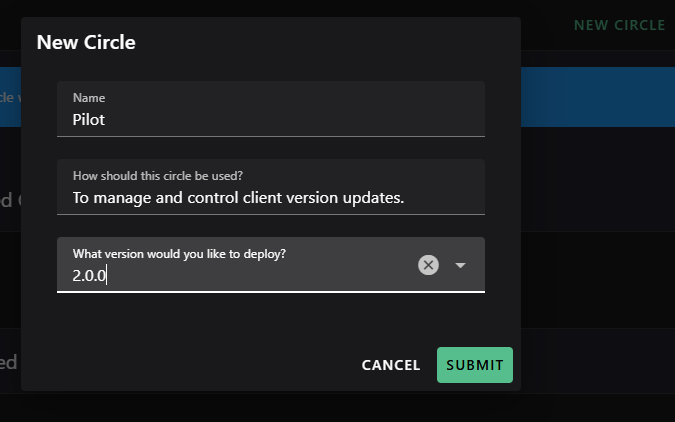
Select the pilot circle. Add a group in Manage circle groups, or add individual clients in Manage circle members.
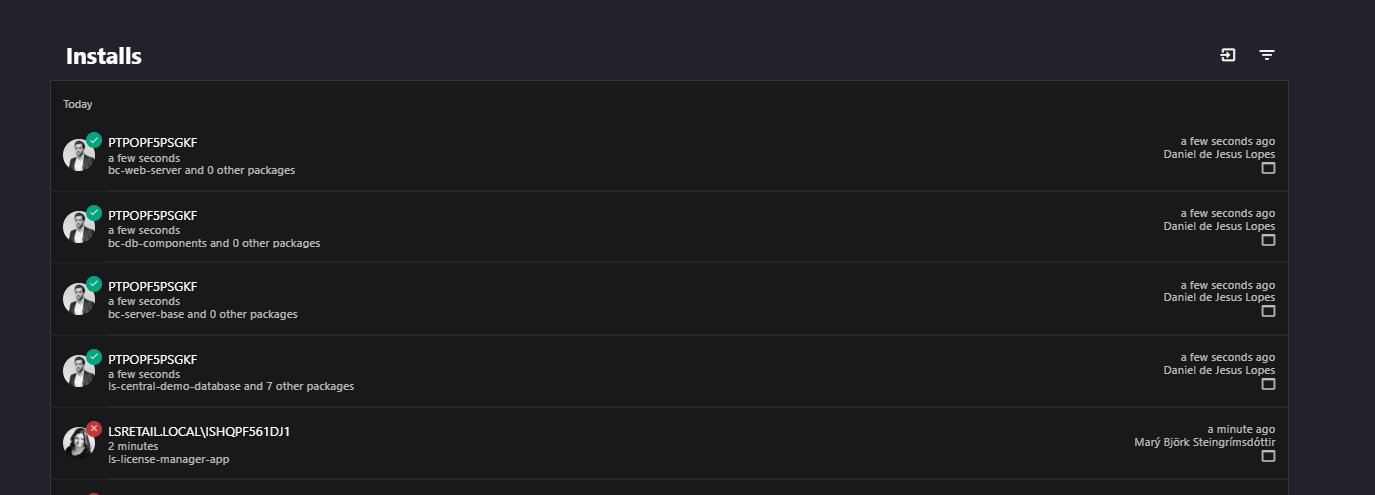
Review pilot results in Installs and Audit before expanding the release.
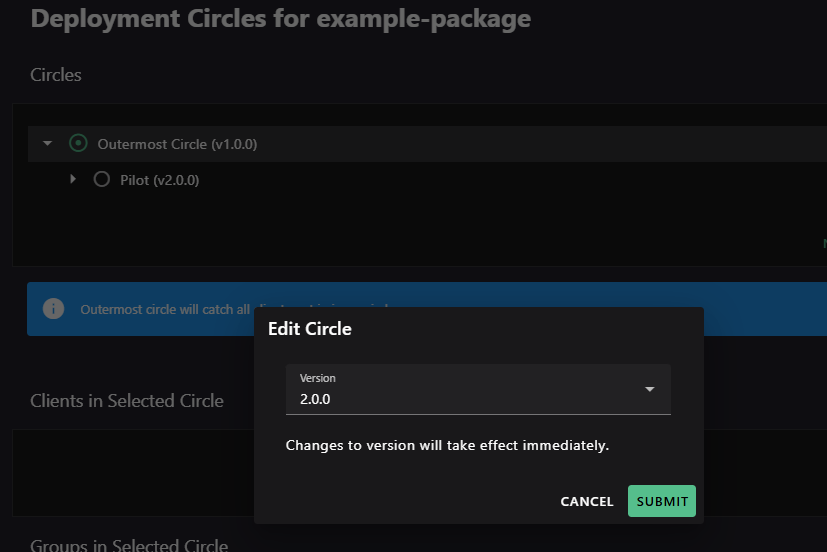
To release the version more broadly, select the outermost circle and use Set a circle version to select the new version.
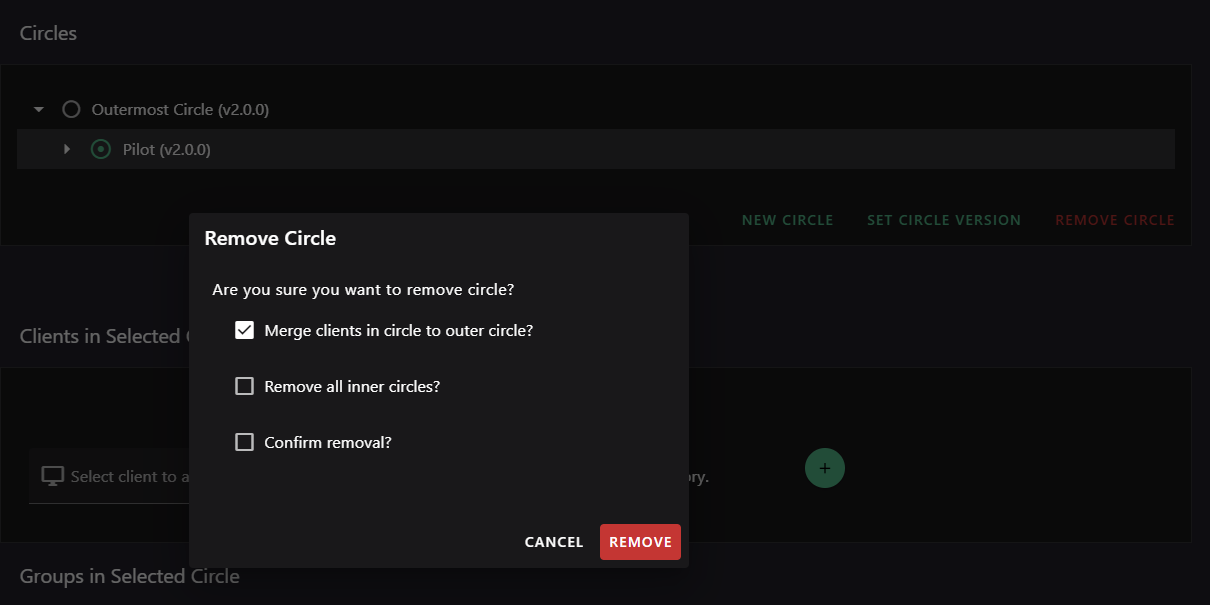
When the pilot circle no longer needs a distinct version, remove it with Remove a circle. Keep Merge clients in circle to outer circle? selected if pilot members should move to the outer circle.
Rollout behavior
- A client in an inner circle receives that circle's version instead of the outermost circle's version.
- Circle version changes apply when submitted. Plan changes for an appropriate maintenance window.
- A group's schedule limits when its members can receive the version selected by the circle.
- You can nest circles to create additional rollout stages.
- Use Remove all inner circles? carefully when removing a circle.